Kelune CRM is available free from the WordPress plugin directory. You can install and activate it directly from your WordPress dashboard in only a few minutes.
Before you start
Make sure you have administrator access to a WordPress website that meets these requirements:
| Requirement | Minimum |
|---|---|
| WordPress | 6.6 or later |
| PHP | 8.1 or later |
Step 1: Find Kelune CRM
- Sign in to your WordPress admin dashboard.
- Go to Plugins → Add Plugin.
- Enter Kelune CRM in the search box.
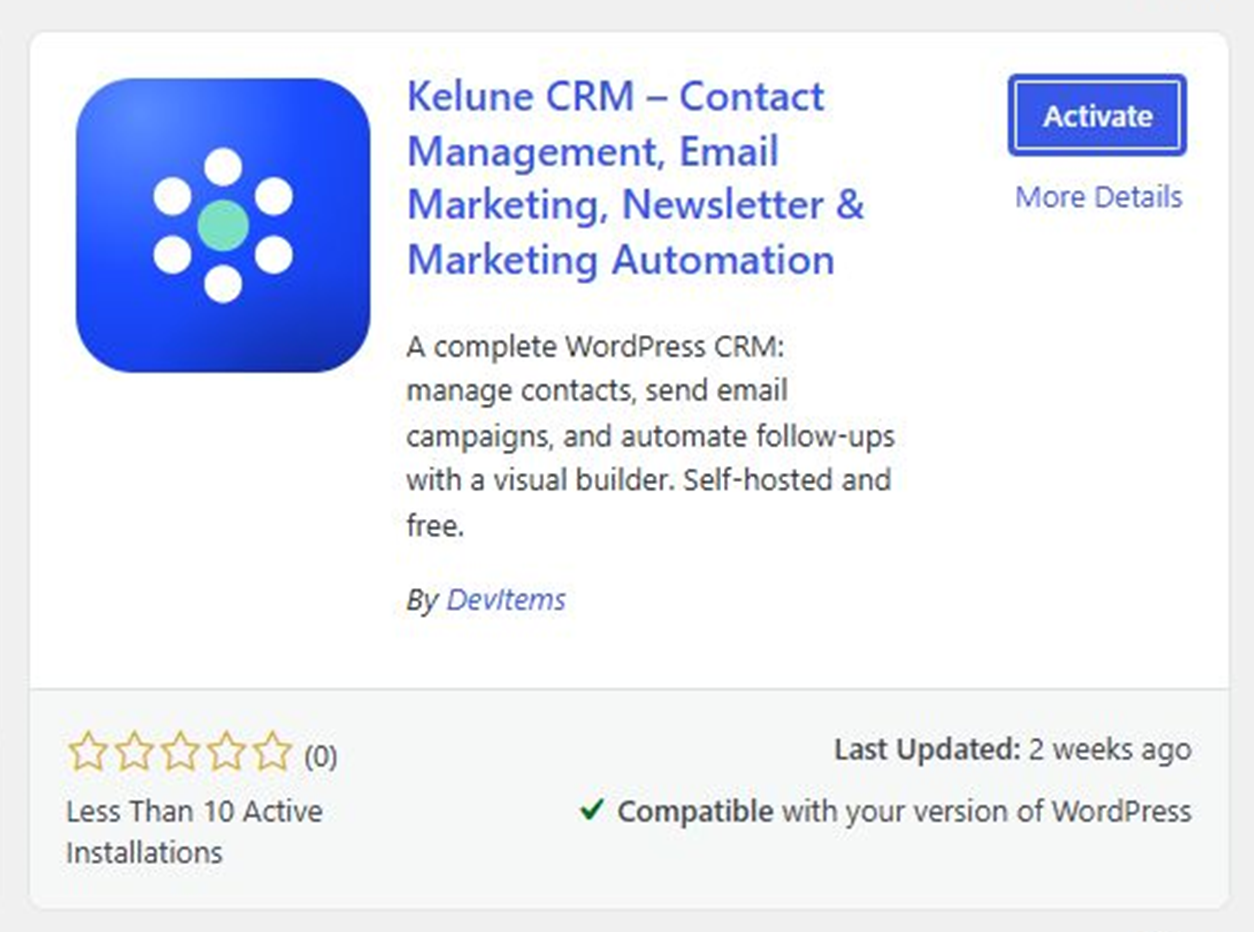
- Find Kelune CRM – Email Marketing Automation, Newsletters, and CRM and click Install Now.
Step 2: Activate Kelune CRM
When the installation finishes, the Install Now button changes to Activate. Click Activate to enable Kelune CRM on your website.
Step 3: Open the setup wizard
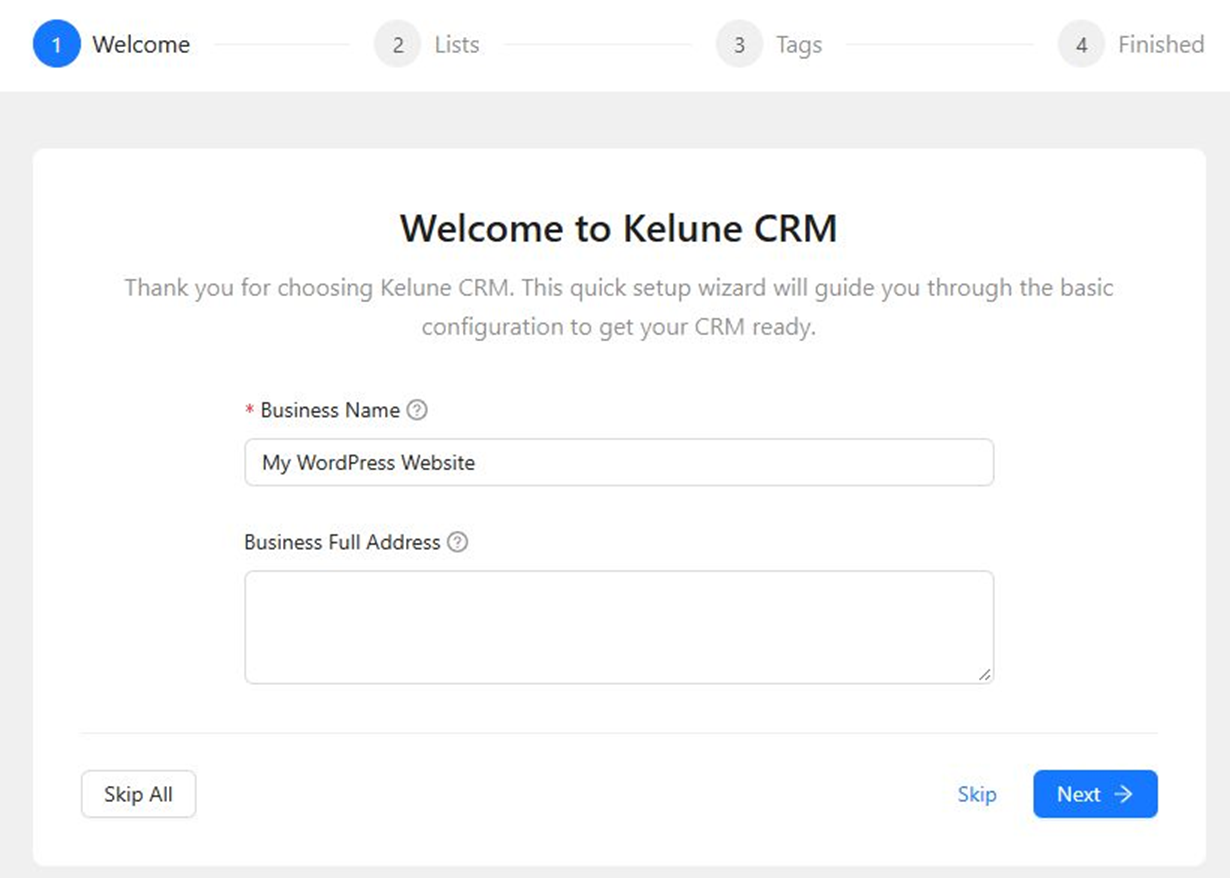
After activation, Kelune CRM opens its setup wizard. Enter your business details and select Next to continue, or choose Skip All if you want to configure the plugin later.
You can also open Kelune CRM at any time by selecting Kelune CRM in the WordPress admin menu.
Alternative installation methods
Upload the plugin ZIP file
- Download Kelune CRM from WordPress.org.
- In WordPress, go to Plugins → Add Plugin → Upload Plugin.
- Choose the downloaded ZIP file and click Install Now.
- When the installation finishes, click Activate Plugin.
Install with WP-CLI
If you manage WordPress from the command line, run:
wp plugin install kelune-crm --activateWhere to go next
- Continue through the setup wizard to add your business information, initial contact lists, and tags.
- Import contacts from a file when you are ready to add an existing audience.
- Connect an email provider under Kelune CRM → Settings → Email Providers before sending campaigns.